Before you prepare an ESPA file, you have to find which call applies to you. Now both happen in the same place.
The funding map
On the Funding page you see the map of Greece with its 13 regions. The stronger the colour of a region, the more programmes apply there.
- You click a region and see how many programmes are open, how many are coming up and how many have closed.
- Each programme shows its budget, submission deadlines and who it is for.
- Programmes that apply to the whole country appear in every region.
- You filter by search, by type of aid and with the “Show closed” option.
The list is updated automatically from the official ESPA 2021-27 calls, and every entry is reviewed before it appears.
From the programme to the file
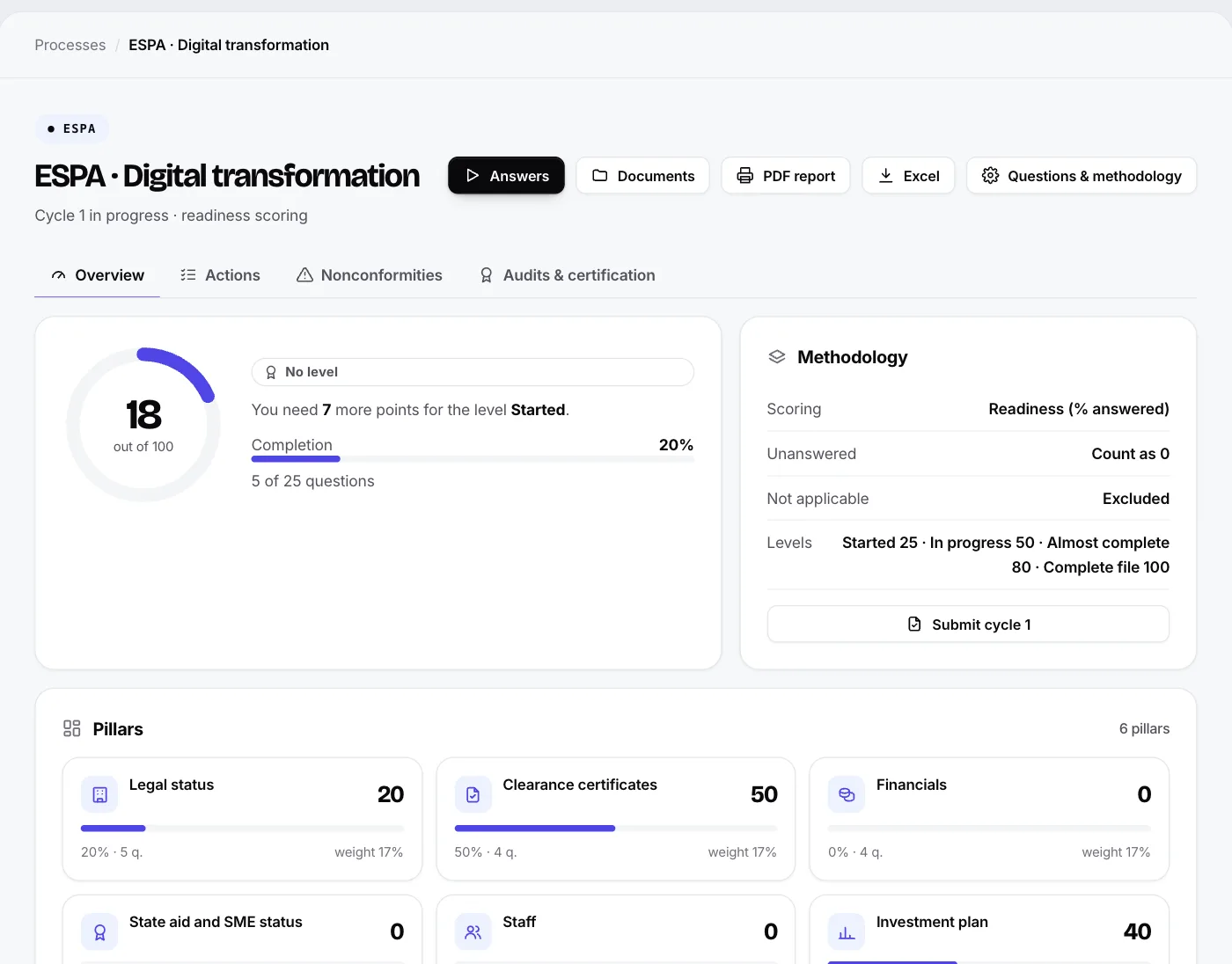
Inside the app, on the page of each programme, the “Start the ESPA file” button creates a process with the supporting documents and details needed. The process takes the programme’s name and shows the submission deadline at the top.
- You fill in the details and upload the files under each document, and you see what is missing.
- Your consultant gets an organised file instead of messages and attachments.
- Each company starts one file per programme; if it already exists, that one opens.
You can also pick a programme when you create a new ESPA process: in “New process”, with an ESPA template, there is an optional list of the active programmes. If you do not choose one, you carry on as before, with the generic file.
The information on the map is indicative; check the official call before every application. The ESPA file is in the plans that include ESPA. See the map or try the demo.