Two new things in your processes: a board to see where the work stands, and an Excel file to show it.
Work board
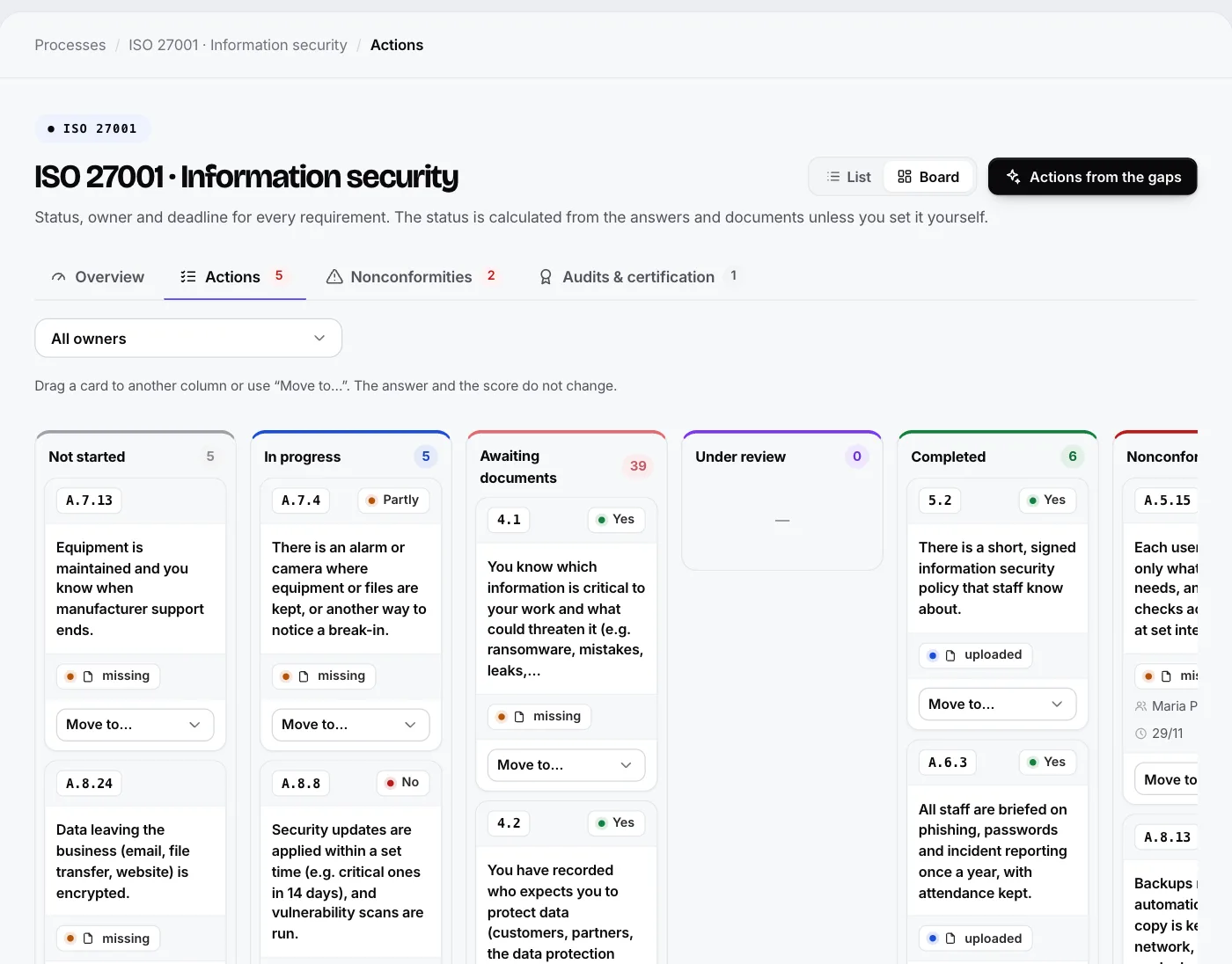
On the “Actions” page of each process there is now a List | Board switch. On the board each requirement is a card in one of six columns: Not started, In progress, Waiting for documents, In review, Completed, Non-conformity.
- You drag a card to another column and the status is saved immediately. On a phone or with a keyboard you use the “Move to…” menu.
- Each card shows whether the answer is Yes, Partly or No, whether documents are missing, who has taken it on and when the deadline is.
- The status is calculated by itself from the answers and documents. If you set it yourself, the card is marked with a pin, and with “Automatic” you hand it back to the platform.
- Moving a card does not change the answer or the score.
Excel file for the auditor
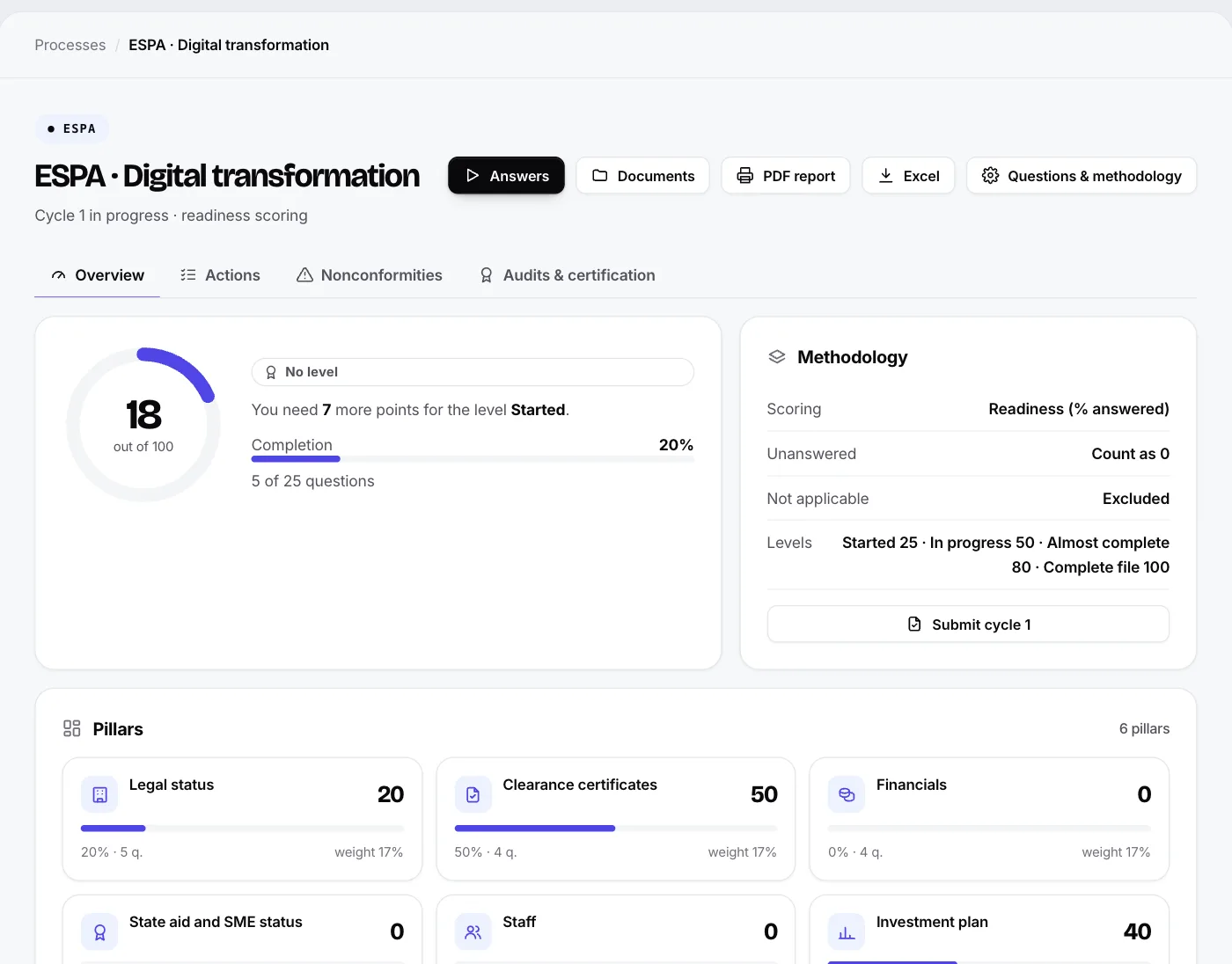
From each process you download a file with one row per requirement: answer, status, documents with expiry dates, owner and deadline, and an empty column for the auditor’s notes. In the next sheets they find the documents, actions, non-conformities with the cause and an effectiveness check, the audits, the certificates and the standard’s registers.
There is also an overall file for all the processes, with one sheet for each. The file gathers what you have recorded and is not a certification. Staff and employee details are not included.
The ESG daisy chart
On the dashboard, the ESG assessment appears as a daisy chart with one petal per pillar. The higher the score, the more the colour fills, and with one click on a petal you go to the pillar’s questions.
The board and the Excel file are included in the Pro plan and above. See the features or try the demo.